一、在 SpringBoot中使用 SSM 框架中的映射
写下如下的 Controller:
1
2
3
4
5
6
7
8
9
| @Controller
public class HelloController {
@RequestMapping("/hello")
public String hello() {
return "hello";
}
}
|
并在 resources/templates 中新建 hello.html
1
2
3
4
5
6
7
8
9
10
| <!DOCTYPE html>
<html lang="en">
<head>
<meta charset="UTF-8">
<title>Title</title>
</head>
<body>
<h1>Hello, Spring Boot</h1>
</body>
</html>
|
注:在 SpringBoot 中,默认的静态资源是放在以下几个位置:
- classpath:/META-INF/resources/
- classpath:/resources/
- classpath:/static/
- classpath:/public/
- /
其中第 5 个表示 webapp 目录中的静态资源也不被拦截
所以在这里这不是一个静态资源,我们以前的做法就是直接返回这个页面,没写上面的 Controller 直接使用 http://localhost:8080/hello 是访问不到该页面的
二、在 SpringBoot 中进行路径映射
只需要进行如下配置就可以进行路径映射
1
2
3
4
5
6
7
8
| @Configuration
public class WebMvcConfig implements WebMvcConfigurer {
@Override
public void addViewControllers(ViewControllerRegistry registry) {
registry.addViewController("wangba").setViewName("hello");
}
}
|
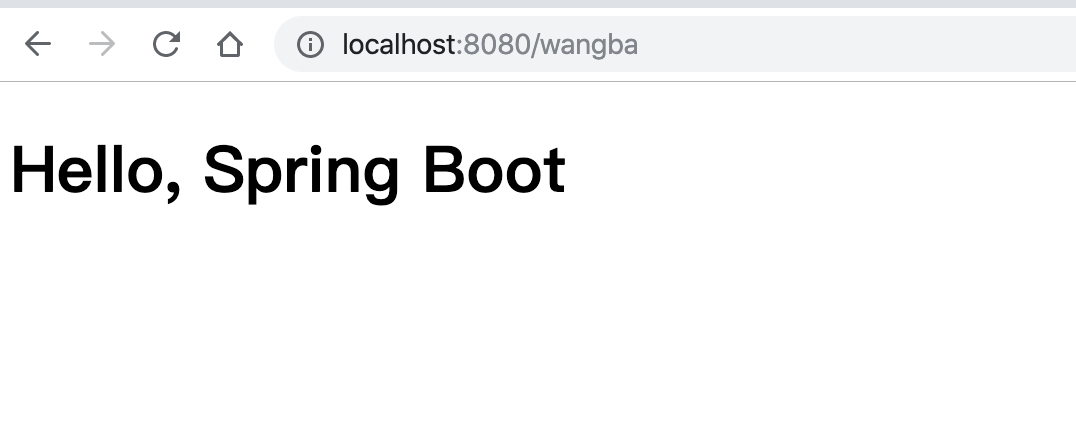
再次访问:http://localhost:8080/wangba
结果: