一、OverView 在上篇文章中已经简单的写过 SpringBoot 整合 JDBCTemplate 了,但是现在的公司应该很少有用 JDBCTemplate,国内一般都是 MyBatis 或者是 Spring Data JPA,在本篇文章中就来整合一下 MyBatis。
二、环境搭建 新建 SpringBoot 项目,选上 Web、MySQL,在 pom.xml 中配置一下数据库连接池:
pom.xml:
1 2 3 4 5 6 7 8 9 10 11 12 13 14 15 16 17 18 19 <dependency > <groupId > org.springframework.boot</groupId > <artifactId > spring-boot-starter-web</artifactId > </dependency > <dependency > <groupId > org.mybatis.spring.boot</groupId > <artifactId > mybatis-spring-boot-starter</artifactId > <version > 2.1.3</version > </dependency > <dependency > <groupId > com.alibaba</groupId > <artifactId > druid</artifactId > <version > 1.1.23</version > </dependency > <dependency > <groupId > mysql</groupId > <artifactId > mysql-connector-java</artifactId > <scope > runtime</scope > </dependency >
application.properties:
1
2
3
4
spring.datasource.type =com.alibaba.druid.pool.DruidDataSource spring.datasource.url =jdbc:mysql://127.0.0.1:3306/test spring.datasource.username =root spring.datasource.password =
三、CRUD UserMapper:
1
2
3
4
5
6
7
8
9
10
11
12
13
14
15
16
17
18
19
20
21
22
23
24
25
26
27
28
29
@Component @Transactional public interface UserMapper @Insert("insert into mybatis(name, password) values(#{name}, #{password})") @SelectKey(statement = "select last_insert_id()", keyProperty = "id", before = false, resultType = Long.class) Integer insert (User user) ; @Select("select * from mybatis") List<User> queryAllUser () ; @Results({ @Result(property = "id", column = "i"), @Result(property = "name", column = "n"), @Result(property = "password", column = "p") }) @Select("select id as i, name as n, password as p from mybatis where id = #{id}") User queryById (Long id) ; @Update("update mybatis set name = #{name}, password = #{password} where id = #{id}") Integer update (User user) ; @Delete("delete from mybatis where id = #{id}") Integer delete (Long id) ; }
注:
增加
statement是要运行的SQL语句,它的返回值通过resultType来指定
before表示查询语句statement运行的时机
keyProperty表示查询结果赋值给代码中的哪个对象,keyColumn表示将查询结果赋值给数据库表中哪一列
keyProperty和keyColumn都不是必需的,有没有都可以
before=true,插入之前进行查询,可以将查询结果赋给keyProperty和keyColumn,赋给keyColumn相当于更改数据库
befaore=false,先插入,再查询,这时只能将结果赋给keyProperty
赋值给keyProperty用来“读”数据库,赋值给keyColumn用来写数据库
selectKey的两大作用:1、生成主键;2、获取刚刚插入数据的主键。
使用selectKey,并且使用MySQL的last_insert_id()函数时,before必为false,也就是说必须先插入然后执行last_insert_id()才能获得刚刚插入数据的ID。
参考链接:@SelectKey注解
查
@Results注解类似于XML中的ResultMap映射文件
UserController: 为了方便就不再写 Service 层了
1 2 3 4 5 6 7 8 9 10 11 12 13 14 15 16 17 18 19 20 21 22 23 24 25 26 27 28 29 30 31 32 33 34 35 36 @RestController public class UserController private UserMapper userMapper; @Autowired public void setUserMapper (UserMapper userMapper) this .userMapper = userMapper; } @PutMapping("/insert") public Integer insert (@RequestBody User user) return userMapper.insert(user); } @GetMapping("/query") public List<User> queryAllUser () return userMapper.queryAllUser(); } @GetMapping("/query1") public User queryById (Long id) return userMapper.queryById(id); } @PostMapping("/update") public Integer update (@RequestBody User user) return userMapper.update(user); } @DeleteMapping("/delete") public Integer delete (Long id) return userMapper.delete(id); } }
Postman 测试:
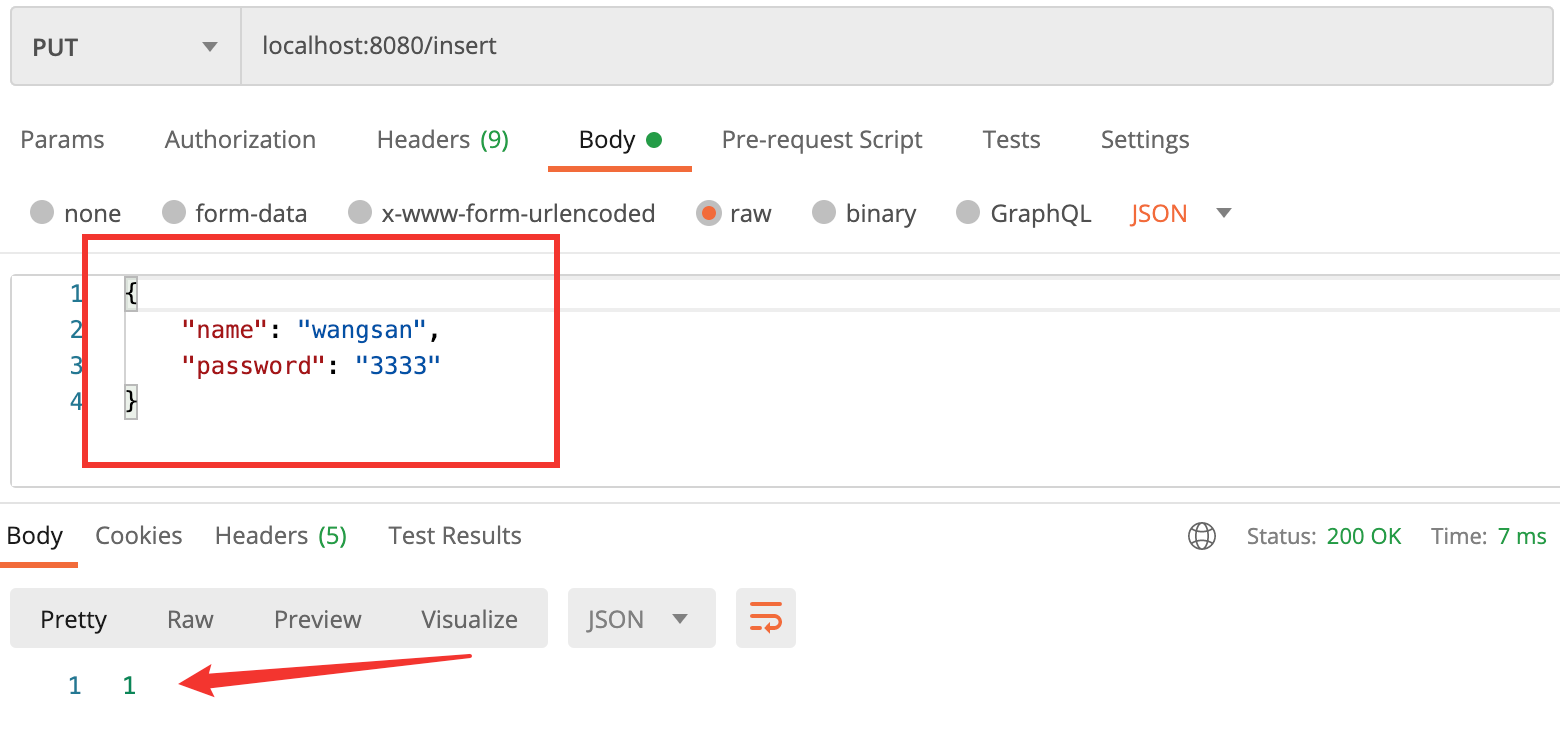
增加:
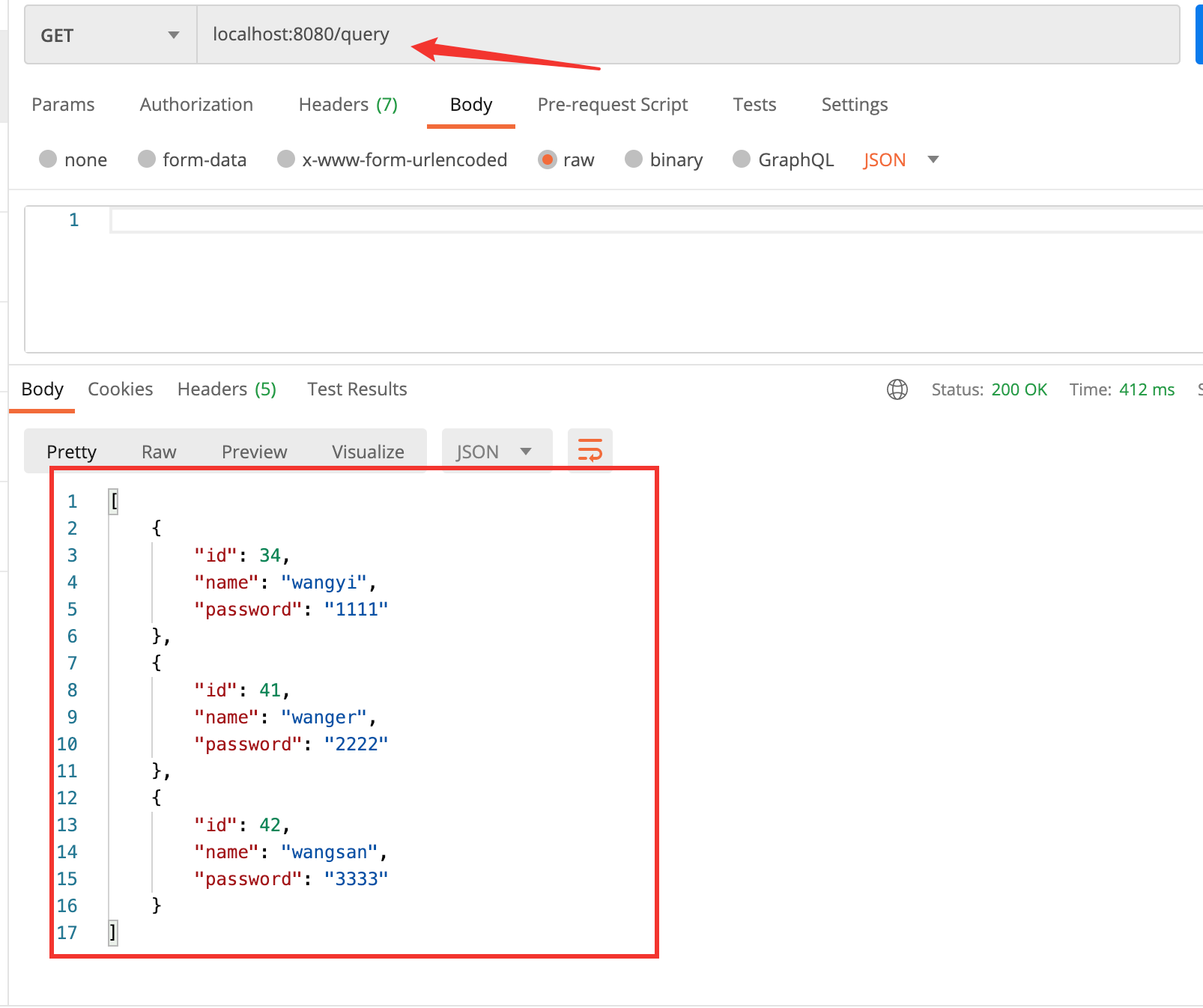
查询所有:
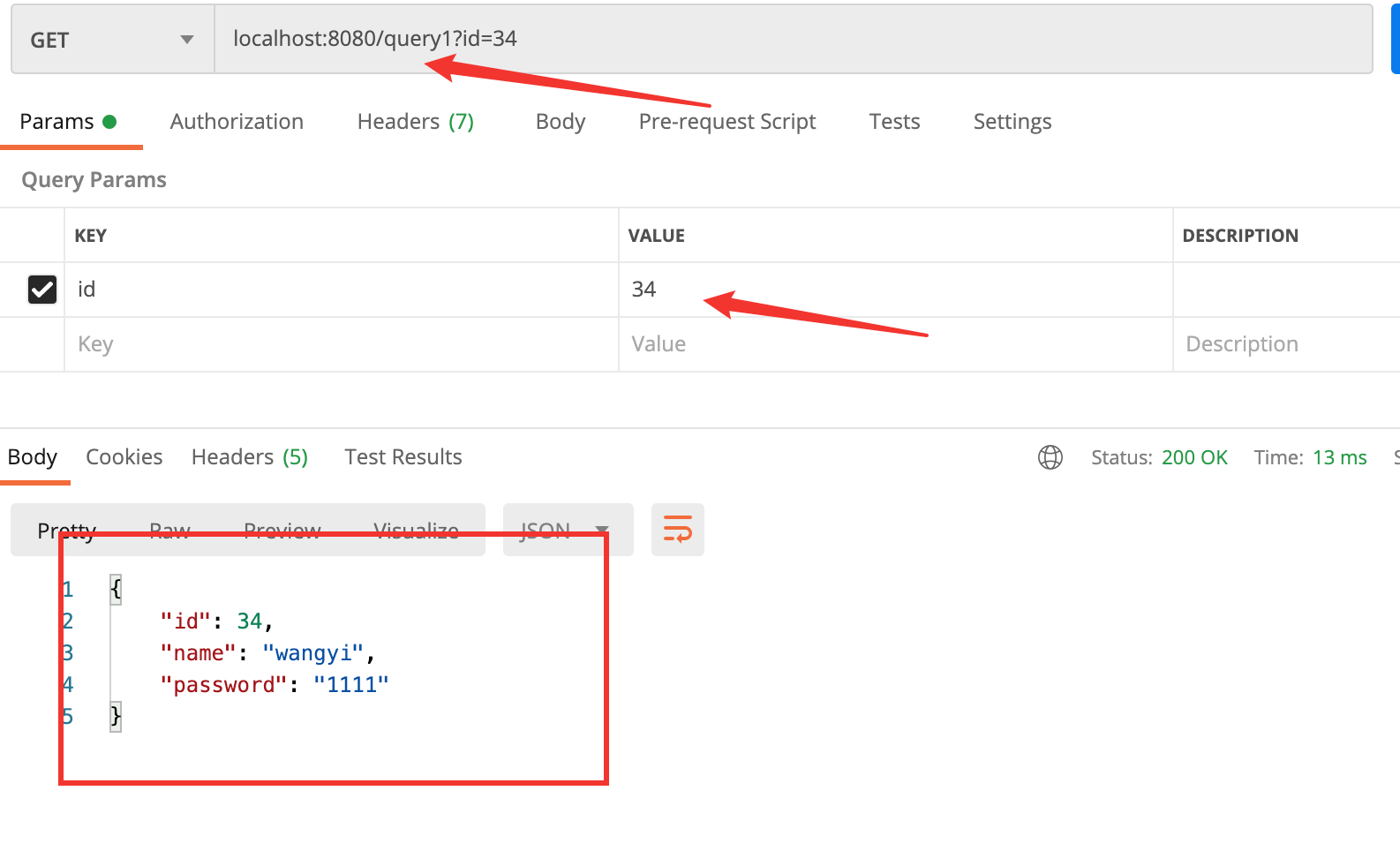
通过 id 查询:
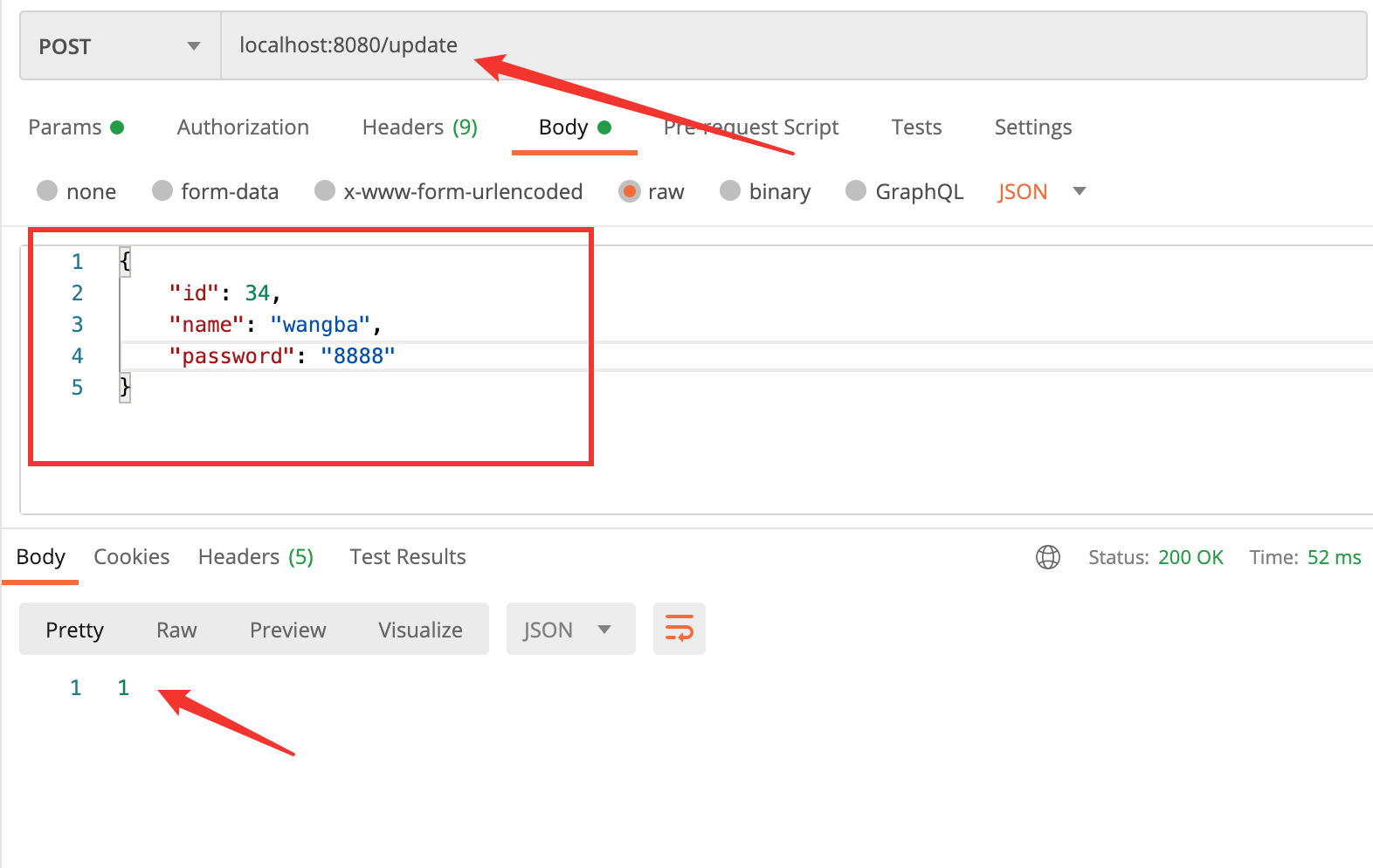
更新:
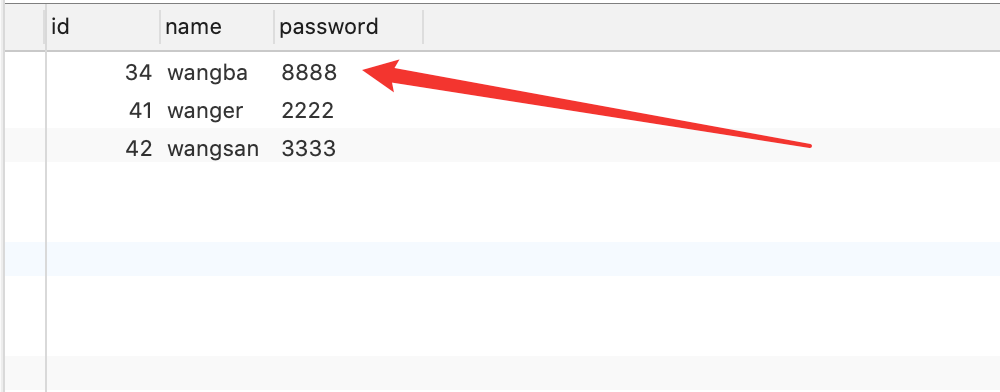
查看一下数据库:
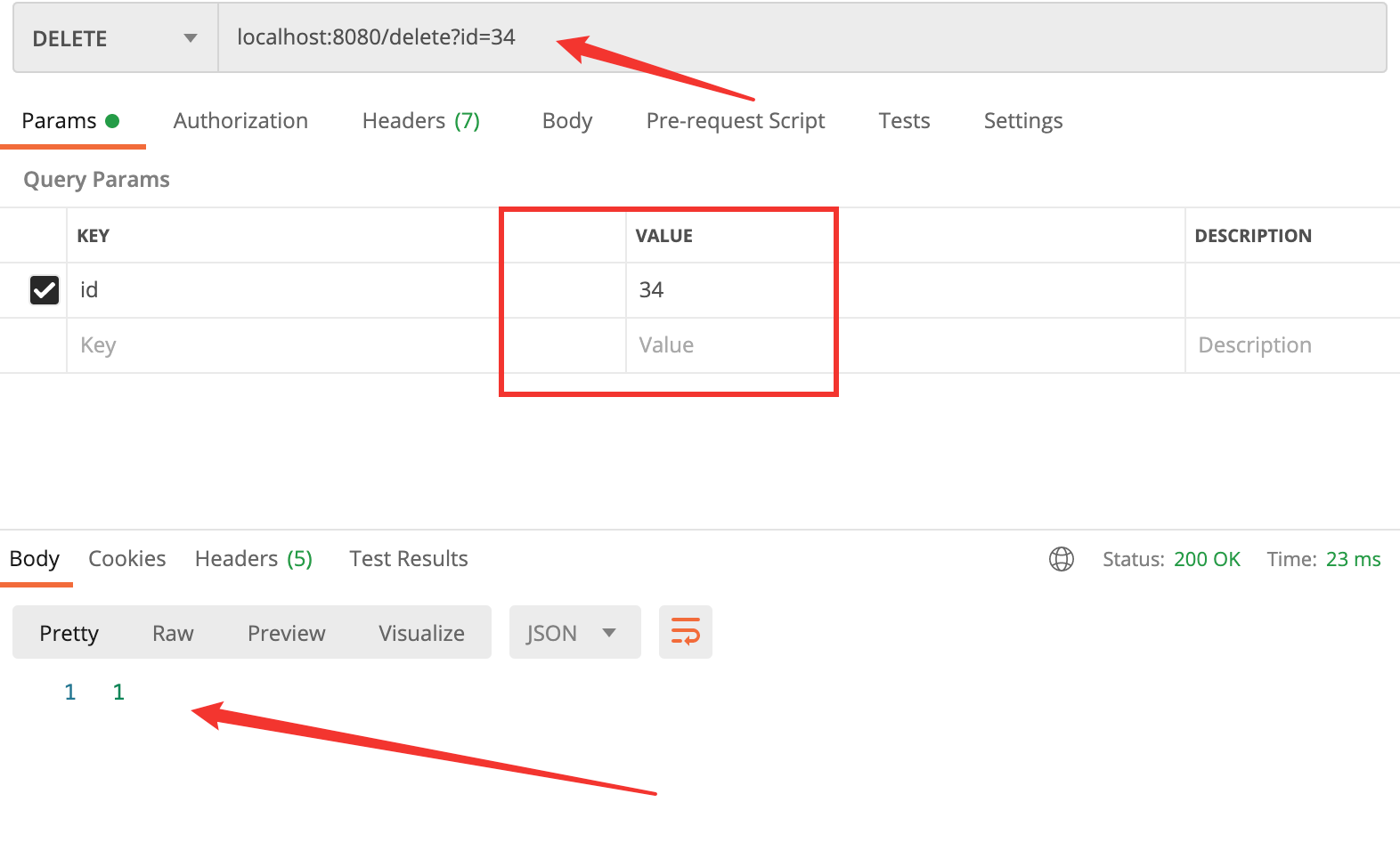
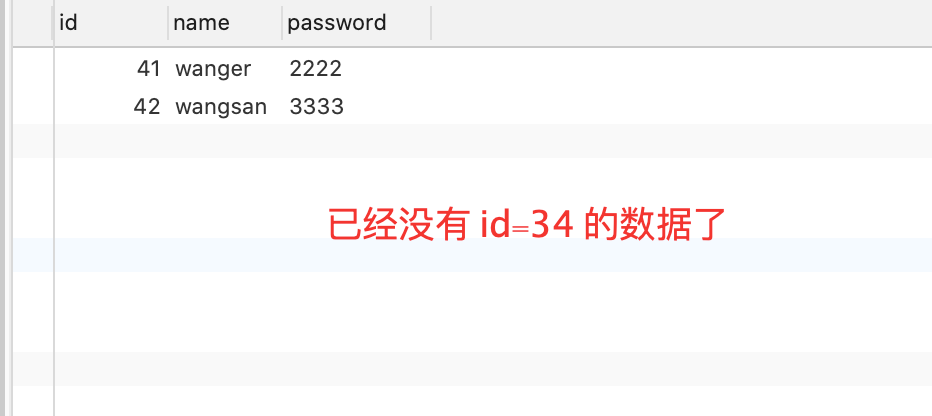
删除:
查看一下数据库:
使用注解进行动态查询具体可以参考:注解版动态查询
使用 xml 方式进行动态查询可以参考:xml 版动态查询