一、OverView

Java 中权限管理最常用的技术应该就是:Spring Security 和 Shiro。

虽然 Shiro 用它轻量、简单、易于集成占据一席之地,但随着 SpringBoot 的流行,Spring Security 也跟着鸡犬升天,就目前的趋势来看,Spring Security 结合 Oauth2、JWT 等更加方便。

这次先小试牛刀一下,快速入门……

二、Environment

不想 error ,先看依赖
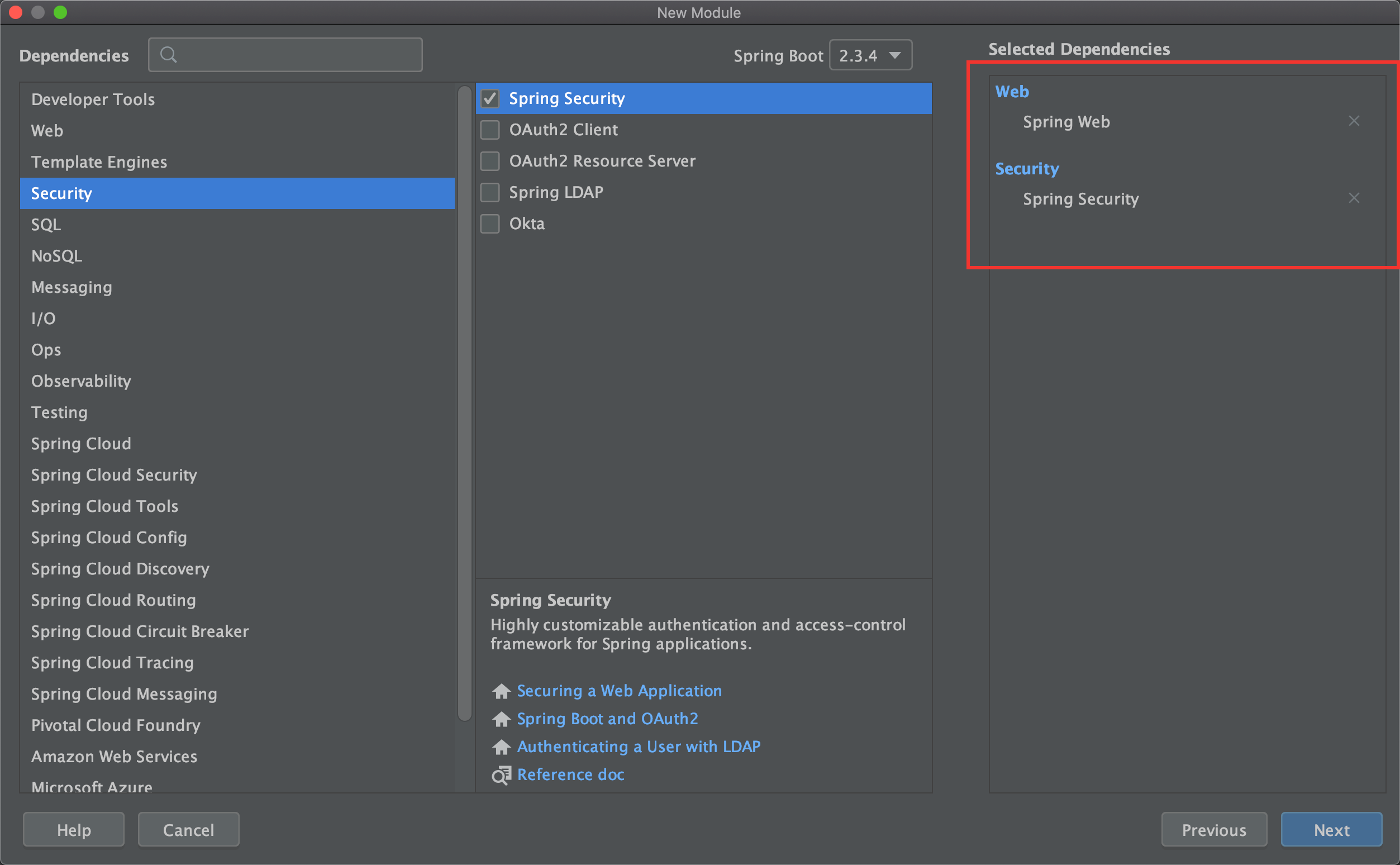
image-20200927100528688

没看错,就只需要这两个依赖就行

pom.xml

1
2
3
4
5
6
7
8
9
10
<!--security-->
<dependency>
<groupId>org.springframework.boot</groupId>
<artifactId>spring-boot-starter-security</artifactId>
</dependency>
<!--web-->
<dependency>
<groupId>org.springframework.boot</groupId>
<artifactId>spring-boot-starter-web</artifactId>
</dependency>

SecurityController

1
2
3
4
5
6
7
8
@RestController
public class SecurityController {

@GetMapping("/security")
public String hello() {
return "spring security";
}
}

三、Test

启动项目可以看见,在控制台多了一行:

image-20200927101455744

Postman

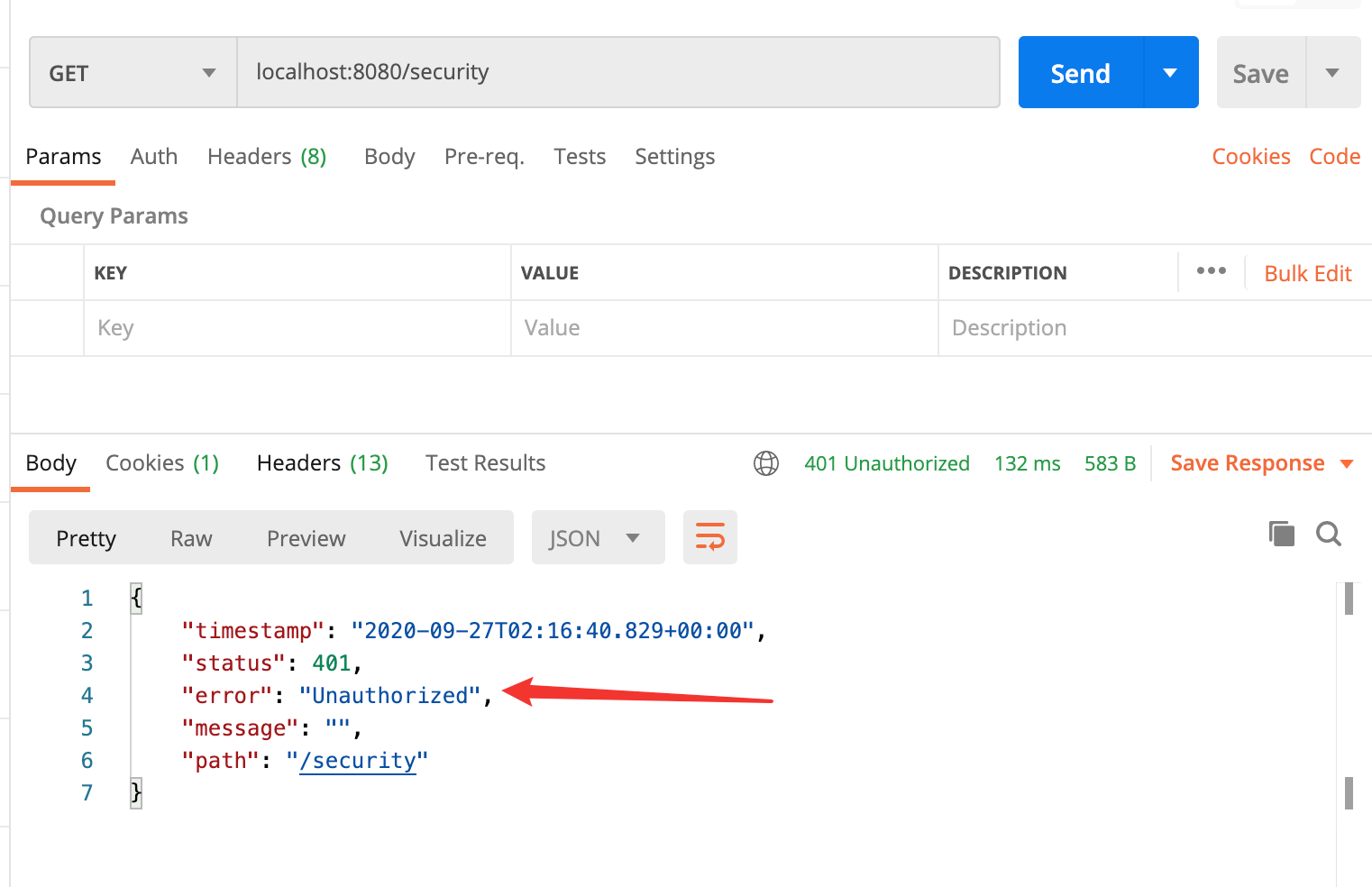
image-20200927101705136

可以看见报错:401,没有进行认证

加上认证

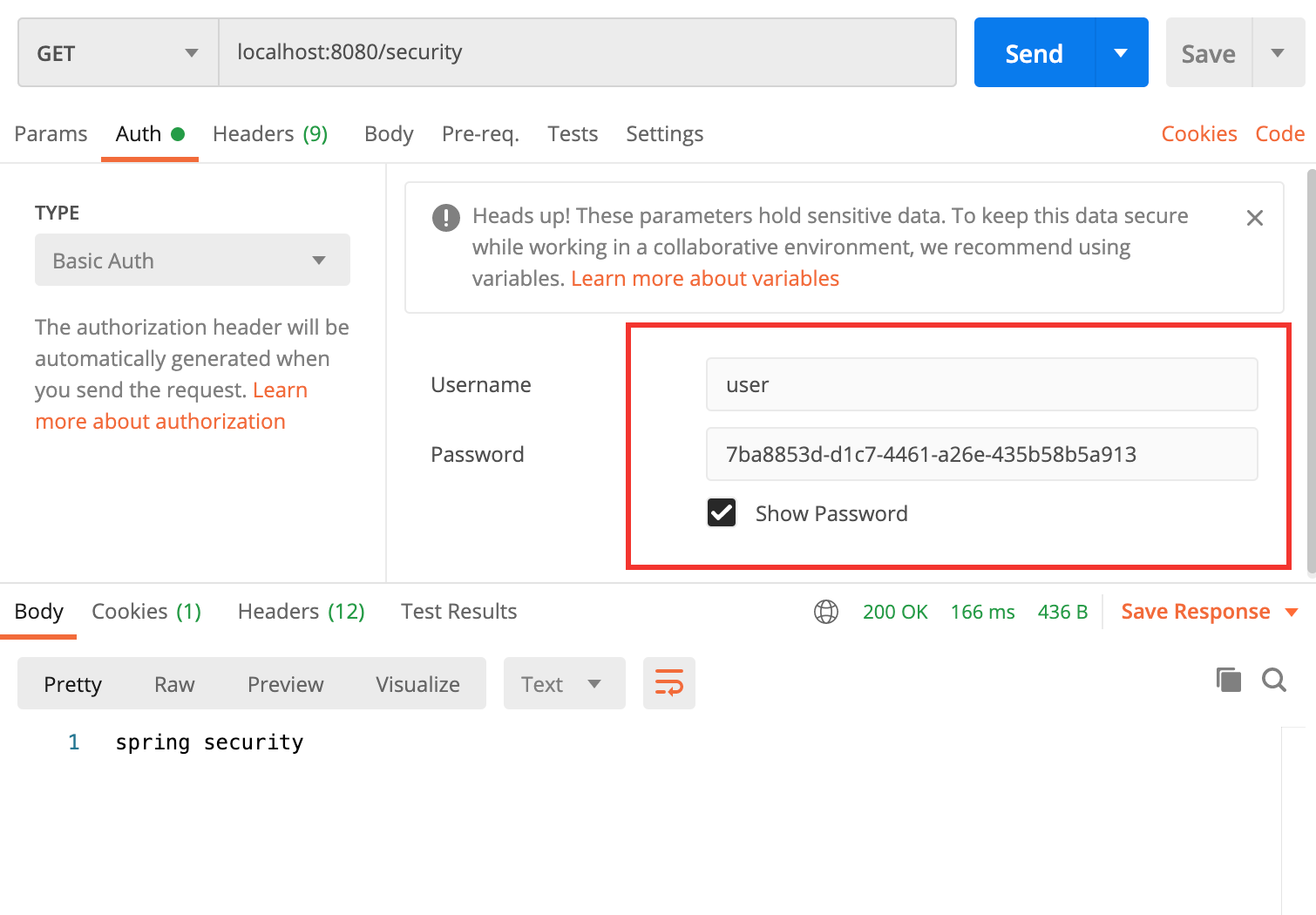
image-20200927101922872

可以看见,加上 Basic Auth:

其中用户名为 user,密码为刚才控制台显示的即可

四、Deep Learning

🐢之疑问:为啥用户名是 user,密码就是控制台显示的那个?

分析思路:

用户名和密码肯定在一起,这个密码又是 UUID 形式,某个地方肯定用了 UUID.randomUUID().toString()

按照我们对 SpringBoot 的特性,肯定在 XXXAutoConfiguration 和 XXXProperties 中存在,果然在 SecurityProperties 中看到了:
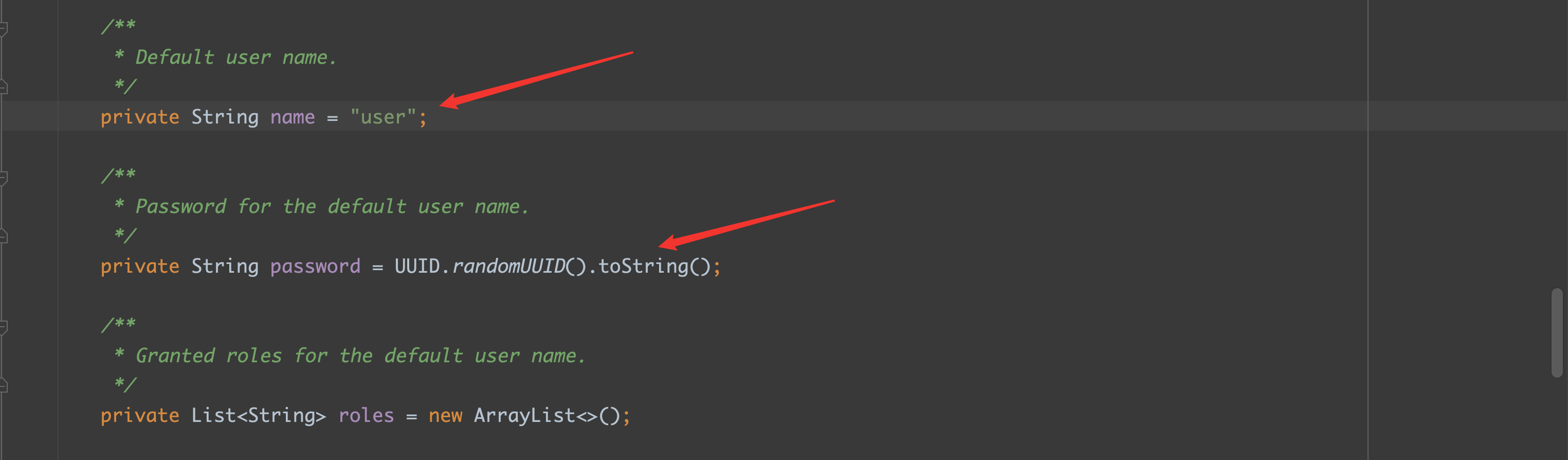
image-20200927104210784

接下来,我们要去找一找,在哪里有调用 getPassword 的这个方法的类:
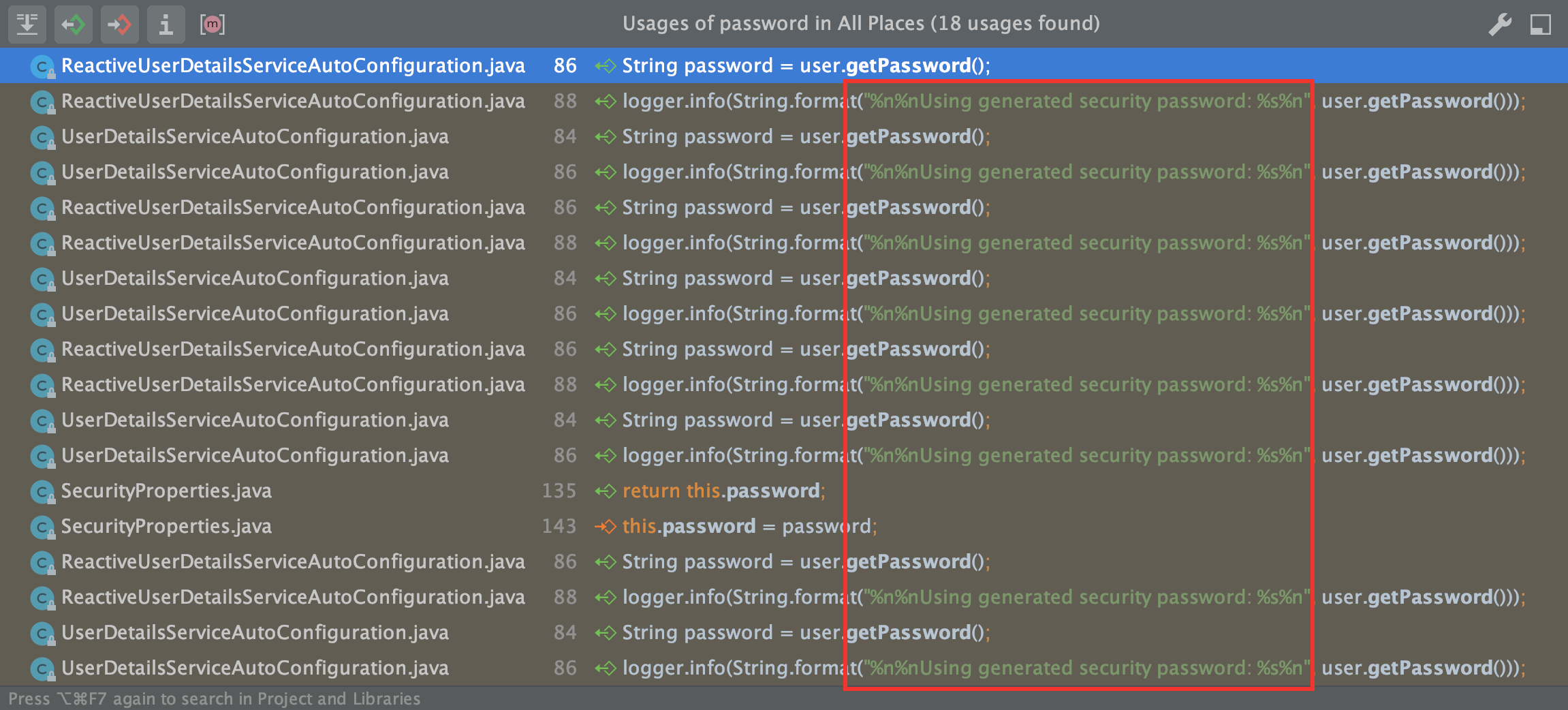
image-20200927104411301

看名字应该就是:UserDetailsServiceAutoConfiguration

1
2
3
4
5
6
7
8
9
10
private String getOrDeducePassword(SecurityProperties.User user, PasswordEncoder encoder) {
String password = user.getPassword();
if (user.isPasswordGenerated()) {
logger.info(String.format("%n%nUsing generated security password: %s%n", user.getPassword()));
}
if (encoder != null || PASSWORD_ALGORITHM_PATTERN.matcher(password).matches()) {
return password;
}
return NOOP_PASSWORD_PREFIX + password;
}

其中:

user.isPasswordGenerated() 如果为 true,则打印该信息

再去 ==user.isPasswordGenerated()== 方法中探究一下,回到了==SecurityProperties== 类中了:

1
2
3
4
5
6
7
private boolean passwordGenerated = true;

.......

public boolean isPasswordGenerated() {
return this.passwordGenerated;
}

默认情况下:passwordGenerated 就是为 true

🐢之疑问:每次启动都要输入新的的密码,太麻烦了,我需要自定义

第一种方法:

按照 SpringBoot 的特性,必然已经给你安排好了,肯定有一种方法是在 properties 文件中直接进行:

image-20200927110311399

idea 已经通过提示显示出来了, idea yyds !

直接点进去看一下,回跳到哪个类中,不出🐢🐢的所料,应该就是 ==SecurityProperties== 类中:
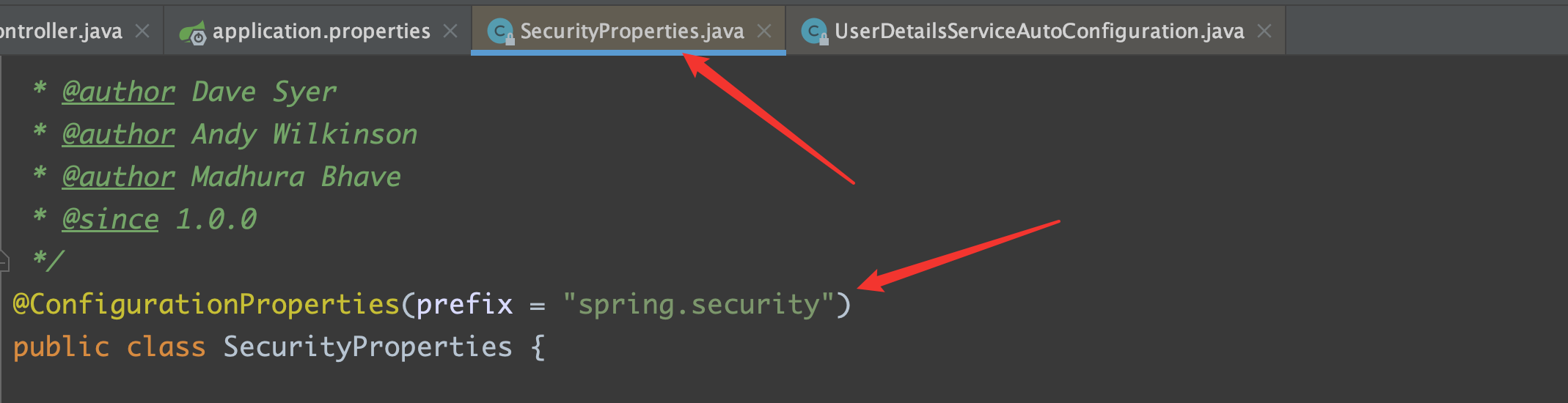
image-20200927112805908

果不其然,分别跳到了

setName

1
2
3
public void setName(String name) {
this.name = name;
}

setPassword

1
2
3
4
5
6
7
public void setPassword(String password) {
if (!StringUtils.hasLength(password)) {
return;
}
this.passwordGenerated = false;
this.password = password;
}

注:如果在这里自定义了密码,就会将 ==passwordGenerated== 设置为 false,那么在 ==isPasswordGenerated== 就是 false 了,在 ==UserDetailsServiceAutoConfiguration== 中就不会自动生成密码了

application.properties

1
2
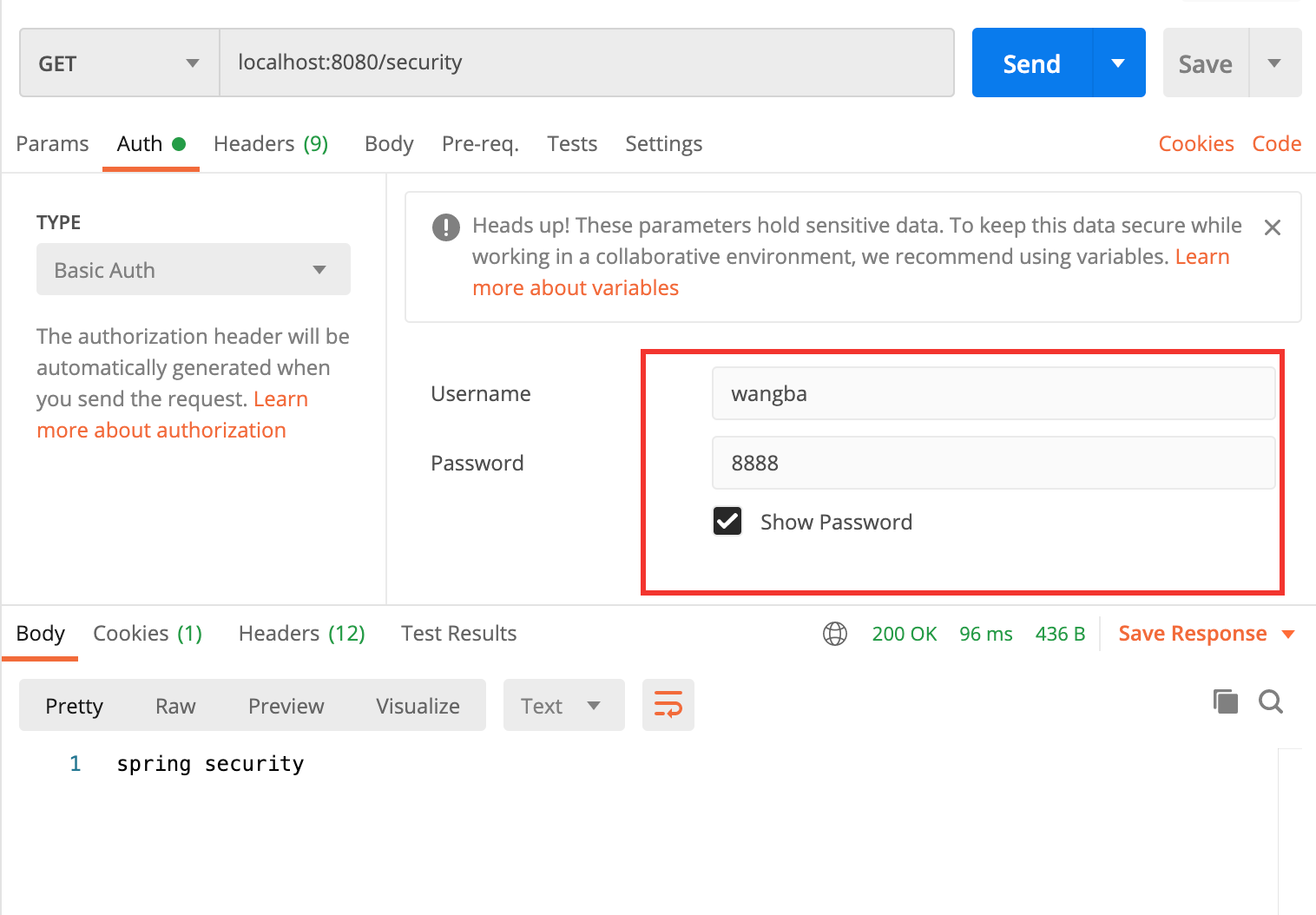
spring.security.user.name=wangba
spring.security.user.password=8888

image-20200927112303555

第二种方法:

1
2
3
4
5
6
7
8
9
10
11
12
13
14
15
16
17
18
@Configuration
public class SecurityConfig extends WebSecurityConfigurerAdapter {

@Bean
PasswordEncoder passwordEncoder() {
// 不对密码进行任何编码方式
return NoOpPasswordEncoder.getInstance();
}

@Override
protected void configure(AuthenticationManagerBuilder auth) throws Exception {
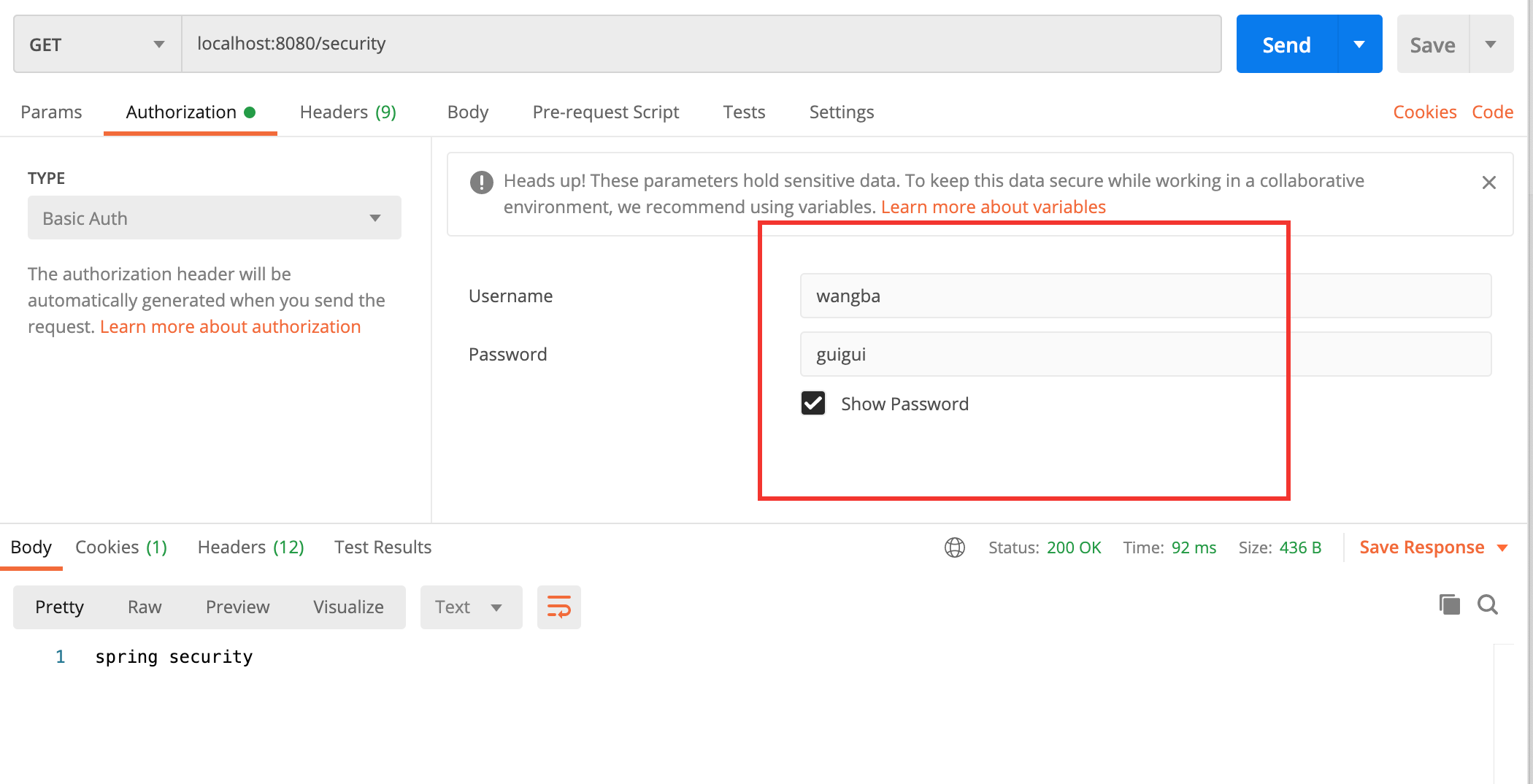
auth.inMemoryAuthentication()
.withUser("wangba")
.password("guigui")
.roles("admin")
;
}
}

image-20200927160832690

评论