一、OverView

在本节中主要实现一下授权功能,即需求时:

admin: 能访问所有的页面,不仅仅是 /admin/ 下的页面,也可以访问 /user/ 下的页面

user: 只能访问 /user/ 下所有页面

hello: /hello 所有用户都可以访问

可以理解为:admin 权限比 user 高

二、环境搭建

环境参考前面几节,由于目前并没有连接数据库,所以就基于内存进行测试

SecurityConfig

在重写的 configure 方法中增加一个 user 用户:

1
2
3
4
5
6
7
8
9
10
11
@Override
protected void configure(AuthenticationManagerBuilder auth) throws Exception {
auth.inMemoryAuthentication()
.withUser("wangba")
.password("guigui")
.roles("admin")
.and()
.withUser("wangyi")
.password("1111")
.roles("user");
}

在重写的 configure 方法中增加拦截规则:

1
2
3
4
5
6
7
8
9
protected void configure(HttpSecurity http) throws Exception {
http.authorizeRequests()
.antMatchers("/admin/**").hasRole("admin")
.antMatchers("/user/**").hasRole("user")
.anyRequest().authenticated()
.and()
// 省略
;
}

注:规则是有顺序的,即链式操作

如果把 anyRequest() 放在前面,首先就会让所有请求通过,然后再进行拦截,这样拦截规则就没有什么用了

SecurityController

在视图层增加一些请求方法

1
2
3
4
5
6
7
8
9
10
11
12
13
14
@GetMapping("/hello")
public String hello0() {
return "hello";
}

@GetMapping("/user/hello")
public String hello1() {
return "user";
}

@GetMapping("/admin/hello")
public String hello2() {
return "admin";
}

其中:

/hello 请求:允许登录后的任何人访问

/user/hello 请求:允许拥有 user 角色的用户登录;允许拥有 admin 角色的用户登录

/admin/hello 请求:只允许拥有 admin 角色的用户登录

1
2
3
4
5
6
7
8
9
protected void configure(HttpSecurity http) throws Exception {
http.authorizeRequests()
.antMatchers("/admin/**").hasRole("admin")
.antMatchers("/user/**").hasRole("user")
.anyRequest().authenticated()
.and()
// 省略
;
}

三、测试

Postman

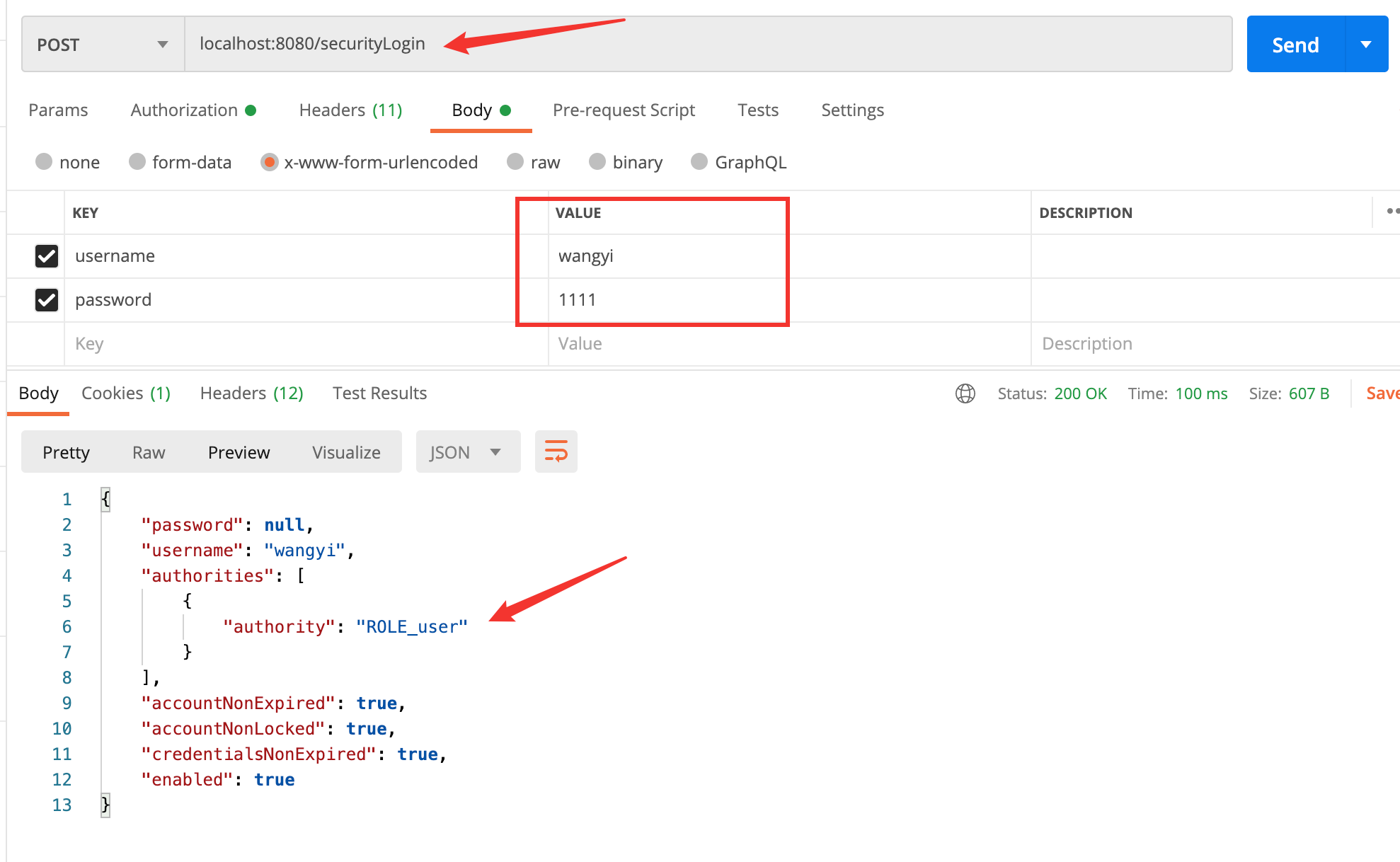
首先登录 user 用户:wangyi

image-20201009150447961

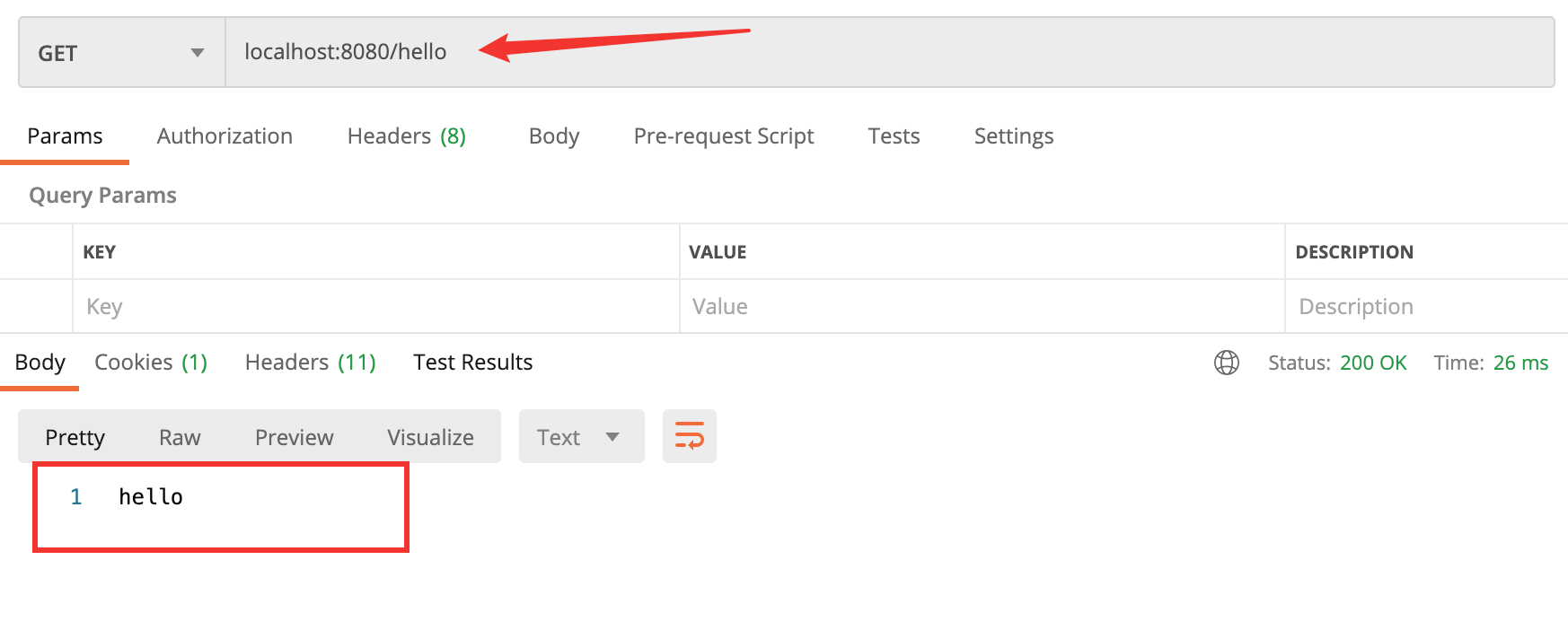
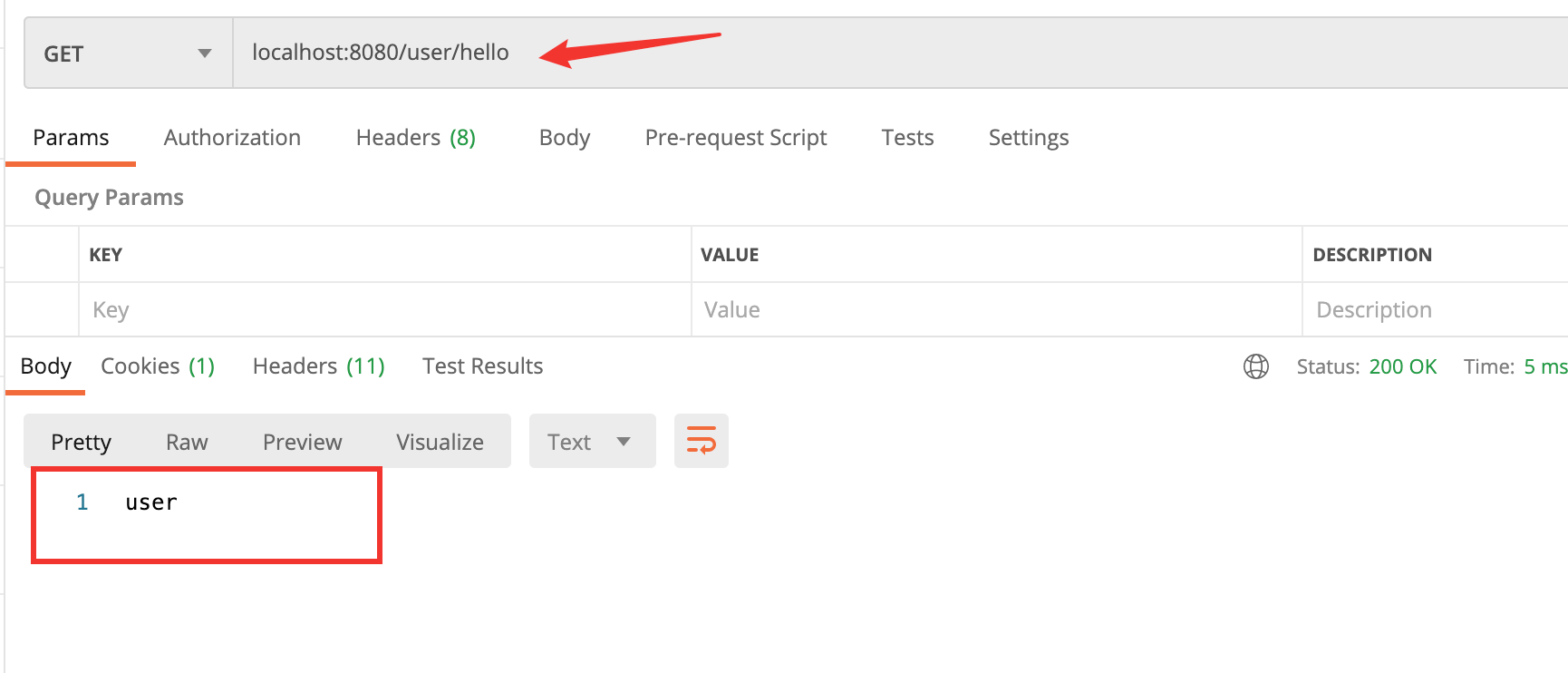
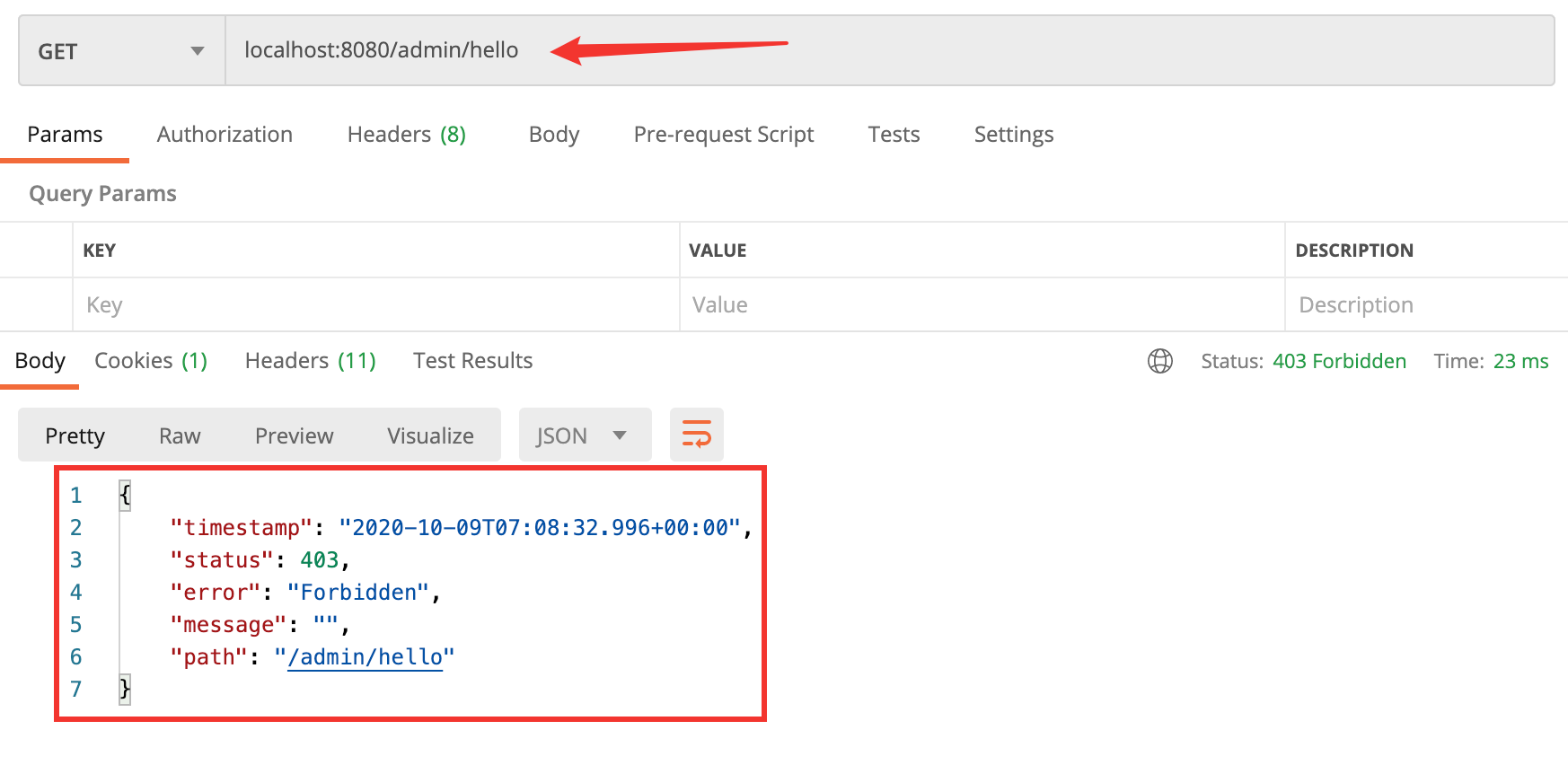
按照上面的理论来说:user 可以访问 /hello/user/hello ,不能访问 /admin/hello

/hello

image-20201009150702237

/user/hello

image-20201009150745738

/admin/hello

image-20201009150850902

可以看见,访问该接口被静止了

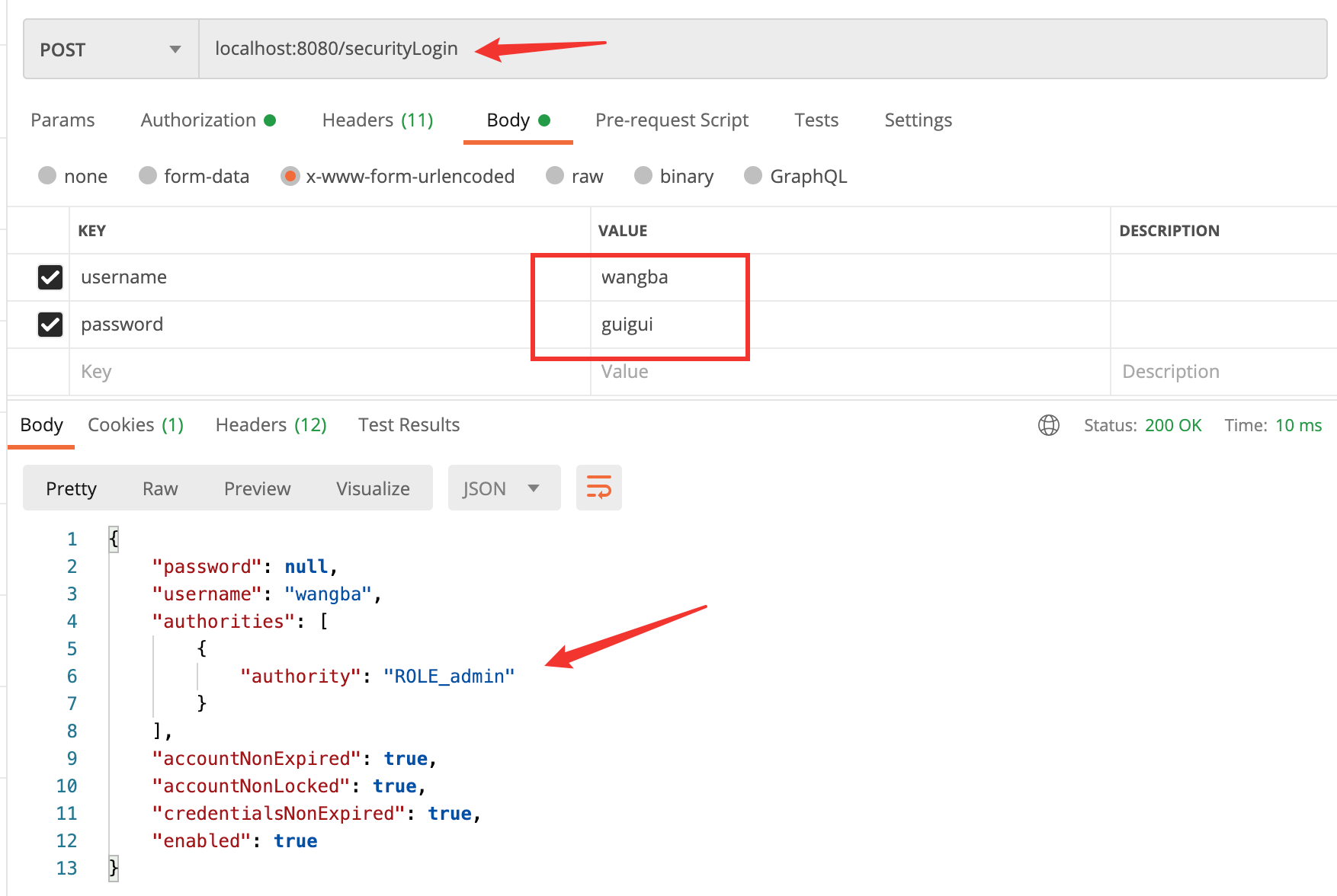
同样,登录 admin 用户:wangba

image-20201009151042154

/hello

image-20201009151238430

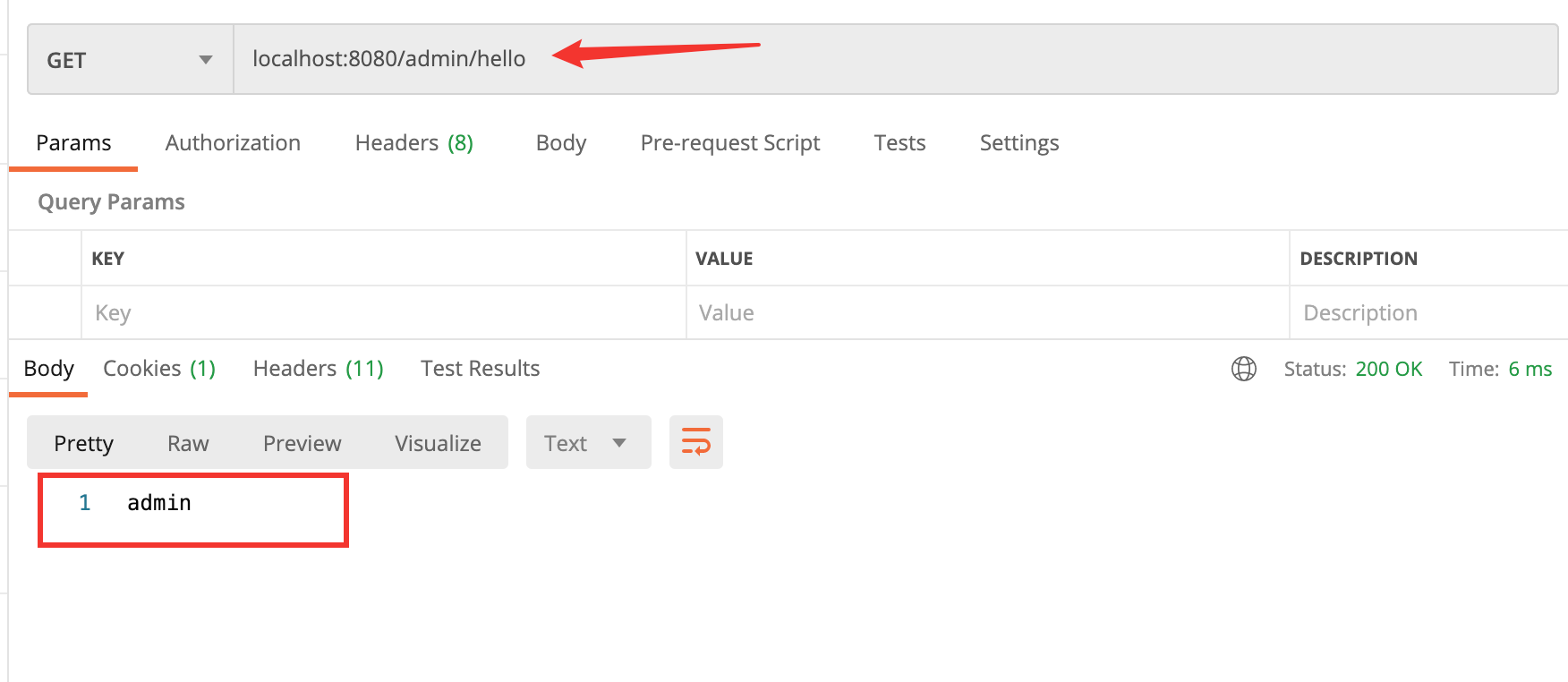
/admin/hello

image-20201009151144433

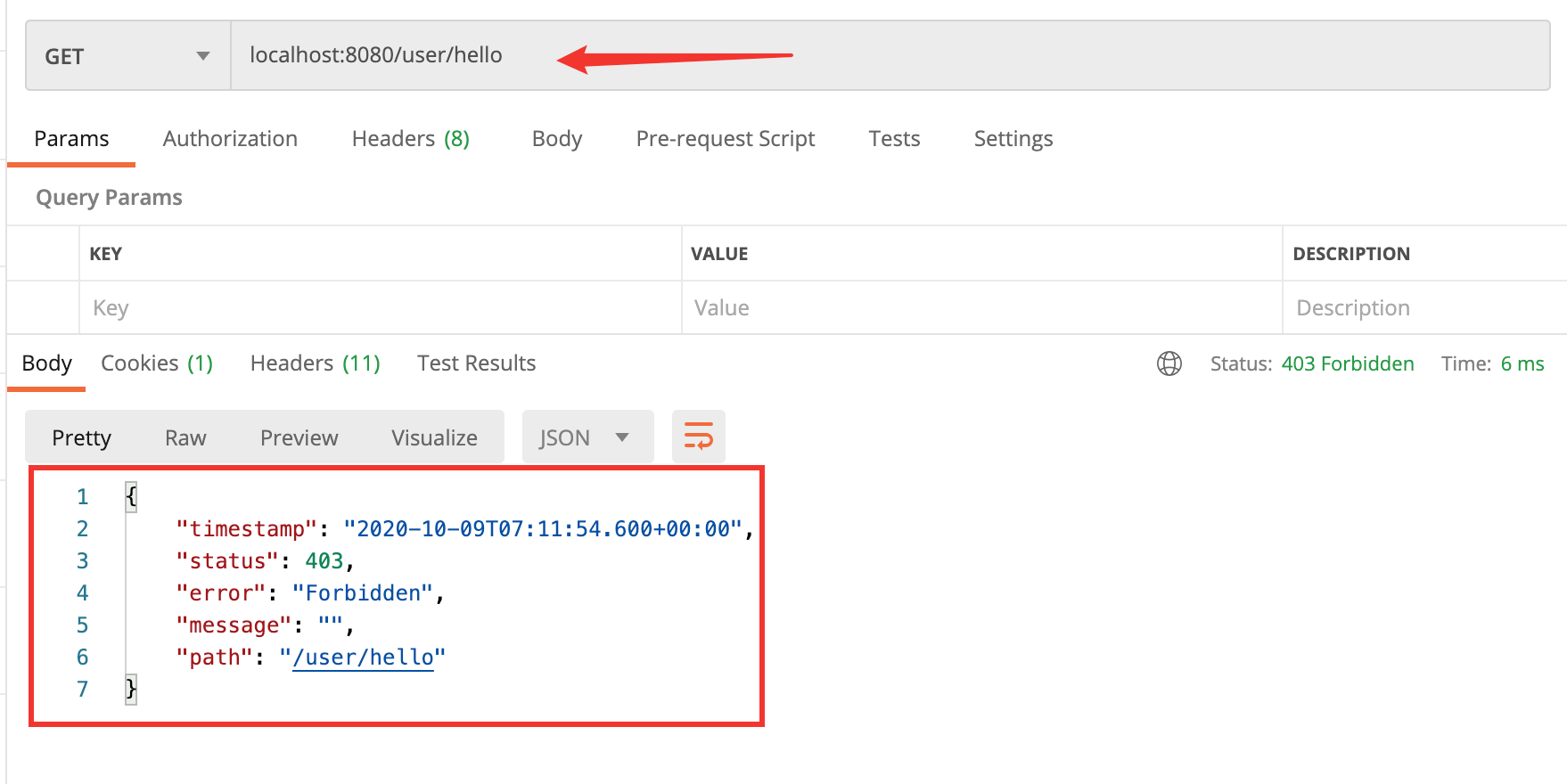
/user/hello

image-20201009151210955

但是,我们前面要求实现的是 admin 可以访问所有页面,所以进行改进,即进行角色继承

SecurityConfig

1
2
3
4
5
6
@Bean
RoleHierarchy roleHierarchy() {
RoleHierarchyImpl roleHierarchy = new RoleHierarchyImpl();
roleHierarchy.setHierarchy("ROLE_admin > ROLE_user");
return roleHierarchy;
}

注:上述配置表达ROLE_admin 自动具备 ROLE_user 的权限。

此时重启项目,再次登录 wangba,并访问 /user/hello
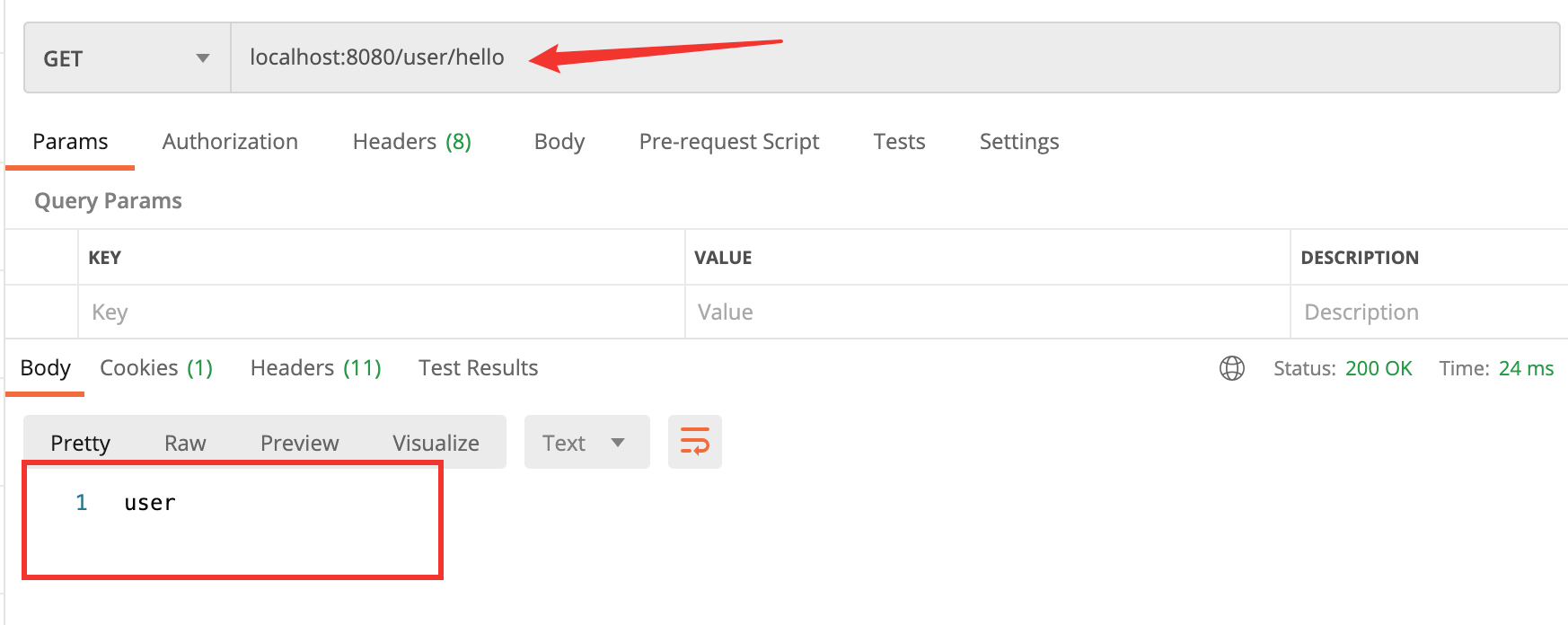
image-20201009152022118

可以看见此时 admin 角色可以访问任何页面了

评论